

Figma: Beyond the basics
Figma: Beyond the Basics
Format:
In-person or remote for one full day or two half-days
Group Size:
Minimum of 8
Previous Clients:
Microsoft, Cengage, Nordstrom
Past Attendee Feedback:
”Absolutely loved that it was in person. The instructor was extremely patient and willing to be flexible to answer our questions which was a true value to us. Overall, great sessions and would recommend to anyone looking to learn Figma.”
”The instructor was able to draw on his knowledge to tailor the content to exactly what we needed.”
“The overview and reminders were fantastic. I now have some homework to play around with prototyping to see if I am building things correctly.”
Why Take This Course?
It’s the rare designer, writer, or product manager who doesn’t use Figma at least a little bit. While it’s extraordinarily useful at any level, becoming proficient at its more advanced features is the route to true productivity. When you’re fluent in variables, expressions, and conditions, you can create (and test) prototypes that are as full-featured as a developer-built app. Get a handle on Auto Layout, and then you can take a single responsive design and apply it to any number of screen sizes and aspect ratios. In short, the more you know about Figma, the more it can do for you.
Who Should Take This Course?
This workshop is for designers who already have a solid understanding of the basic features of Figma but would like to expand their skills into building complex, highly interactive prototypes and responsive designs.
Course Outcomes
> Understand advanced Figma features, especially Auto Layout and Variables/Expressions/Conditions
> Build interactive prototypes for user testing on a variety of devices
> Learn how to extend Figma’s capabilities through the use of libraries, design systems, and plug-ins
Course Description
We’ll combine demonstration and significant, guided hands-on practice as we create complex prototypes. Here are a few of the topics we’ll be covering:
In-depth application of Auto Layout techniques
Using variables, expressions, and conditions for creating realistic flows for things like counters, toggles, form validation, and shopping carts
Using modes to efficiently design screens with light/dark modes, multiple languages, and different device sizes
Using, building and managing design systems in Figma
Download Syllabus
Prerequisites and Requirements
Participants must be familiar with the basic functions of Figma. We recommend you have a dual-monitor setup. You will also need Figma licenses for each participant.
more options for optimizing your team:
-
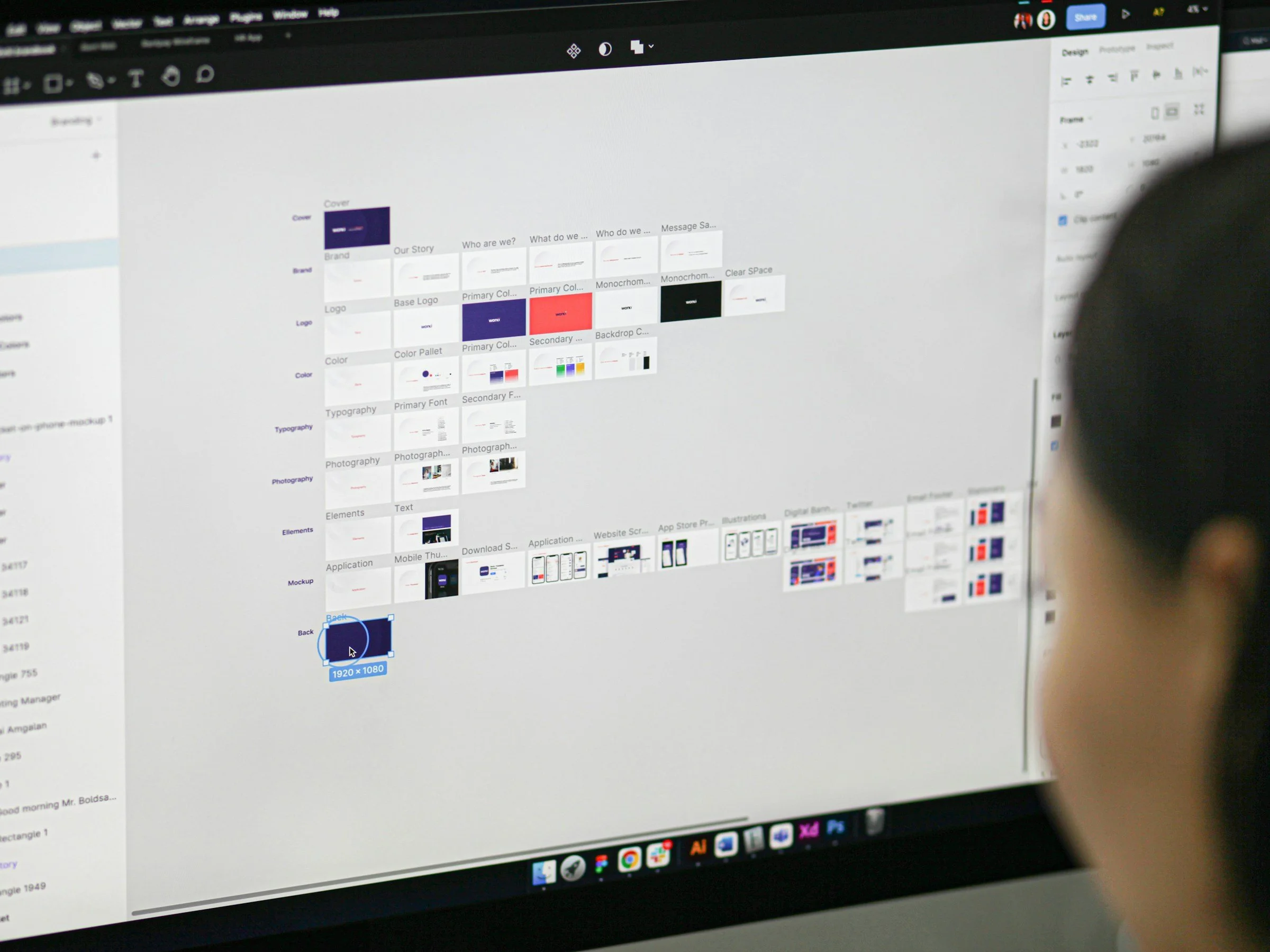
Figma Fundamentals
For any team involved in the designing, writing, and building of digital projects, Figma is a “must-learn” platform for better productivity thanks to its first-rate capabilities for collaboration and commenting.
-

Figma for Writers
If you’re a UX writer, content writer, or marketing copywriters, chances are you’ll be asked to do your writing in Figma so your team can easily collaborate with you. In this workshop, we’ll teach you the essentials of Figma that writers need to know.
-

Soft Skills for Everyone
In addition to whatever technical talent you bring to the job, you also need to be a great colleague, a crack time-manager, and an ace writer and presenter — all soft skills we’ll help you improve in this workshop.