

Figma for Writers
Figma for Writers
Format:
In-person or remote for one full day or two half-days
Group Size:
Minimum of 8
Previous Clients:
Nordstrom
Past Attendee Feedback:
”Appreciated the writer breakout room! Very helpful!”
“Absolutely loved that it was in person. The instructor was extremely patient and willing to be flexible to answer our questions which was a true value to us. Overall, great sessions and would recommend to anyone looking to learn Figma.”
”The instructor was able to draw on his knowledge to tailor the content to exactly what we needed.”
Why Take This Course?
Working as a UX, content, or marketing writer is more than just the words you write; it’s also about how you collaborate with your team, your stakeholders, and other writers. With so much work and so little time, that usually means using tools that may be a little bit beyond your typical Word document or spreadsheet. And that’s where Figma comes in. With this intuitive, design-focused (but writer-friendly) tool, you can work collaboratively quickly and effectively with your teams. Because Figma is now the standard tool for creating websites and apps, it’s essential that writers know their way around this nearly universal platform.
Who Should Take This Course?
This workshop is for UX writers, content writers, marketing writers, and content designers whose copy is integrated into Figma files for designing websites and apps. This material is also relevant for those who need to comment on the writing in Figma files.
Course Outcomes
> Become familiar with the UI, controls, and features of Figma for writer/content designer roles.
> Learn how to use Figma collaboration tools for commenting, revising, and version control.
> Understand how to extend Figma with writer-specific plug-ins for spelling and grammar-checking, word counting, and translation.
Course Description
We’ll combine demonstration, guided practice, and a simple homework assignment to get writers super-comfortable working in Figma. Here are a few of the topics we’ll be covering:
What it means to use Figma as your primary writing tool (rather than Word or Google Docs) as a writer/content designer
Learn Figma’s most important tools: Shapes, text formatting, feedback, and plug-ins
How to best organize your frames, pages, and files
Using components, libraries, and design systems to speed up projects
Using Figma Slides to create and write copy for presentation decks
Making sure you don’t have to worry about “breaking designs” by archiving, recovering, and undoing actions
Download Syllabus
Prerequisites and Requirements
There are no prerequisites, but we recommend you have a dual-monitor setup. Each participant will also require a paid Figma seat license.
more options for optimizing your team:
-
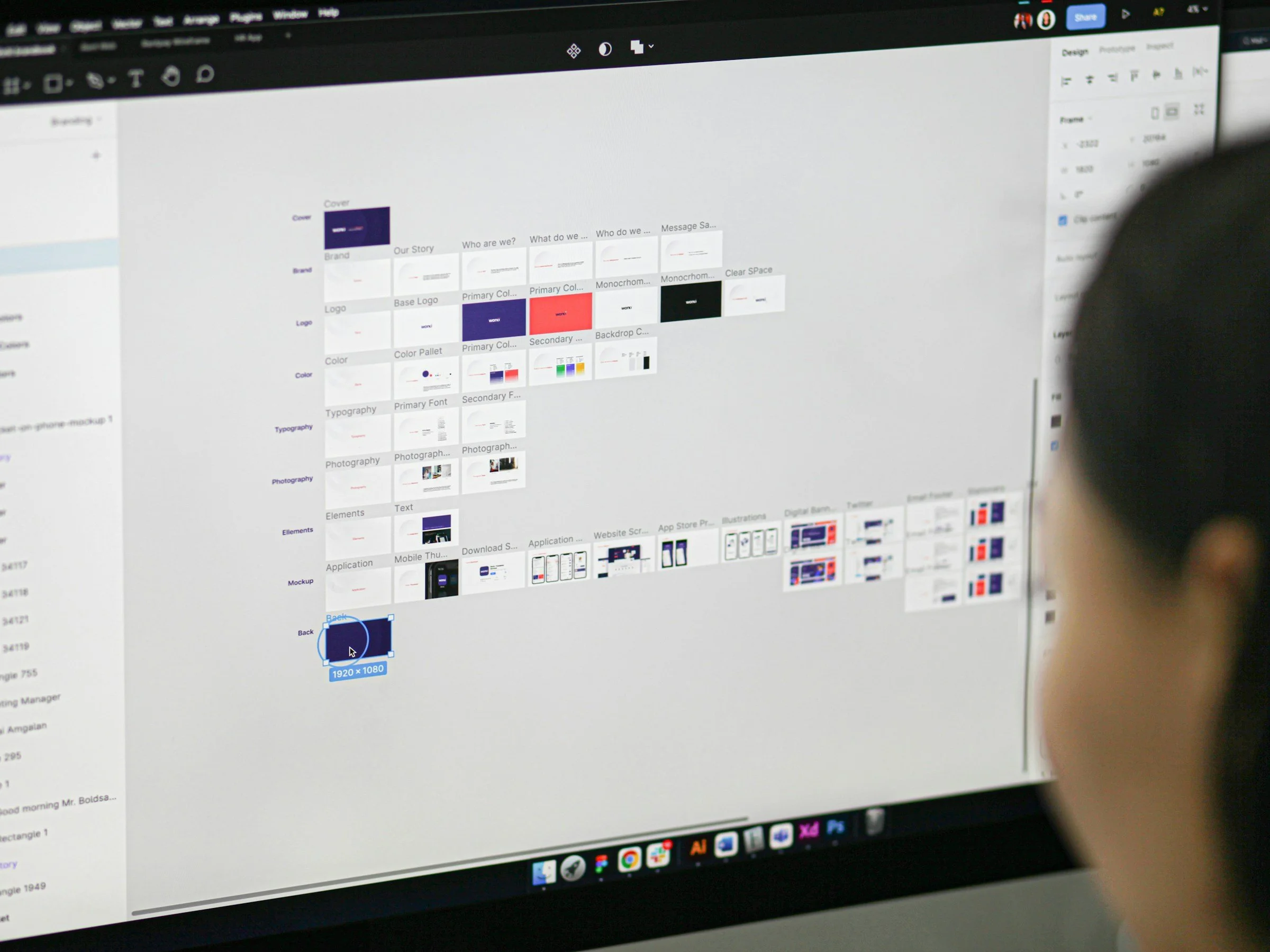
Figma Fundamentals
For any team involved in the designing, writing, and building of digital projects, Figma is a “must-learn” platform for better productivity thanks to its first-rate capabilities for collaboration and commenting.
-

UX Writing fundamentals
There is an art, science, and specialized skill set to writing instructional copy, UI labels, error messages and other UX writing tasks. Getting it right can lead to higher conversion rates and user satisfaction scores.
-

Copywriting Fundamentals
AI can get you part of the way to better copy, but truly inspired, captivating words need to come from a human — especially a human that’s learned the fundamentals of smart, effective copywriting, whether for print, ads, websites or you-name-it.