
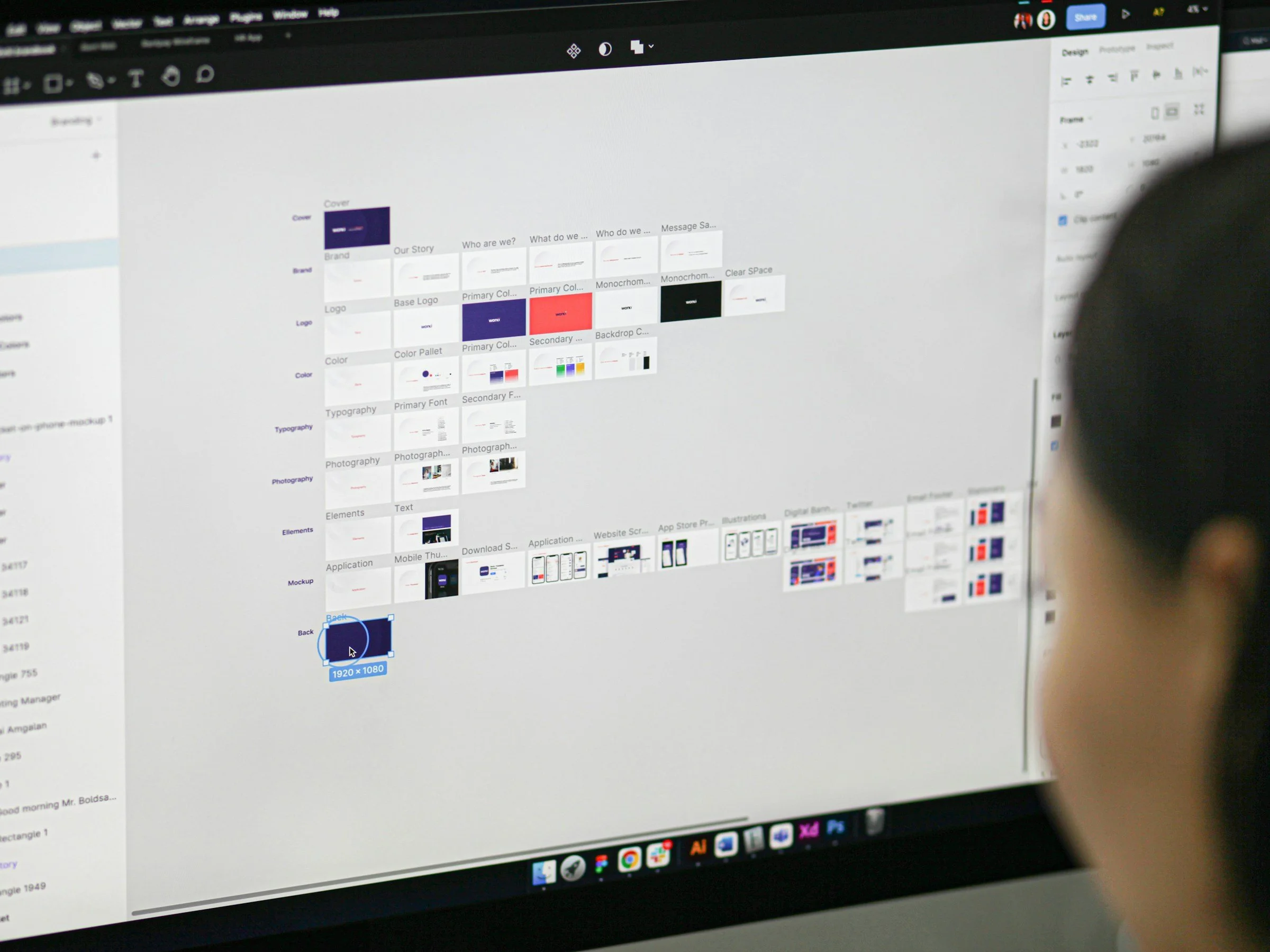
Figma Fundamentals FOR TEAMS
Figma Fundamentals for Teams
Format:
In-person or remote for one full day or two half-days
Group Size:
Minimum of 8
Previous Clients:
Microsoft, Costco, Brooks Running, REI, Smartsheet, Nordstrom
Past Attendee Feedback:
”Absolutely loved that it was in person. The instructor was extremely patient and willing to be flexible to answer our questions which was a true value to us. Overall, great sessions and would recommend to anyone looking to learn Figma.”
”Learned a lot of overall basic Figma skills that will help us as we begin to navigate this program.”
“Super helpful intro with a minimal time commitment from the team.”
Why Take This Course?
More than 80% of product designers, UX writers, and other folks involved in product design said they used Figma regularly. It’s easy to understand why. With this one program you can build site maps, web pages, and interactive prototypes. Better still, Figma allows teams to easily collaborate so everyone can contribute and comment on their team’s efforts. So for any team involved in the designing, writing, and building of digital projects, Figma is a “must-learn” platform for better productivity and true team success.
Who Should Take This Course?
This workshop is aimed at designers, writers, and product managers involved in the design and creation of websites and apps. This material will be relevant to those who have never used Figma before, as well as Figma users who would like to solidify their current knowledge of the platform. In the past, companies and non-profit organizations around Seattle have come to SVC for Figma classes, but we’ve also successfully conducted remote training sessions for teams as large as 70 participants.
Course Outcomes
> Understand the Figma interface and how to use the most commonly needed tools
> Learn the basics of responsive design and how it’s supported by Figma’s Auto Layout feature
> Become familiar with using the collaboration capabilities of Figma
Course Description
In this class, we’ll combine demonstration, hands-on practice, lecture, and guided hands-on practice as we create a simple prototype during the workshop. Here are a few of the topics we’ll be covering:
Getting familiar with Figma’s workspaces, commands, and tools
Inserting text, images, and shapes
Setting up styles and creating reusable components
Using Auto Layout for resizing elements for different form factors
Sharing Figma files and collaborating with team members
Download Syllabus
Prerequisites and Requirements
We recommend you have a dual-monitor setup . You will also need Figma licenses for each participant.
more options for optimizing your team:
-
Figma: Beyond the Basics
While it’s extraordinarily useful at any level, becoming proficient at Figma’s more advanced features is the route to true productivity. This workshop will increase your fluency in variables, expressions, and conditions, Auto Layout, and more.
-

Figma for Writers
If you’re a UX writer, content writer, or marketing copywriters, chances are you’ll be asked to do your writing in Figma so your team can easily collaborate with you. In this workshop, we’ll teach you the essentials of Figma that writers need to know.
-

Soft Skills for Everyone
In addition to whatever technical talent you bring to the job, you also need to be a great colleague, a crack time-manager, and an ace writer and presenter — all soft skills we’ll help you improve in this workshop.